

Website · Clients · Books
Look professional, and get back to the work you love.
The business side of your business — finally easy.
14-day free trial. Cancel anytime.






See real sites built with ClientCasa.
Different businesses, different looks. Click any card to view the live site.
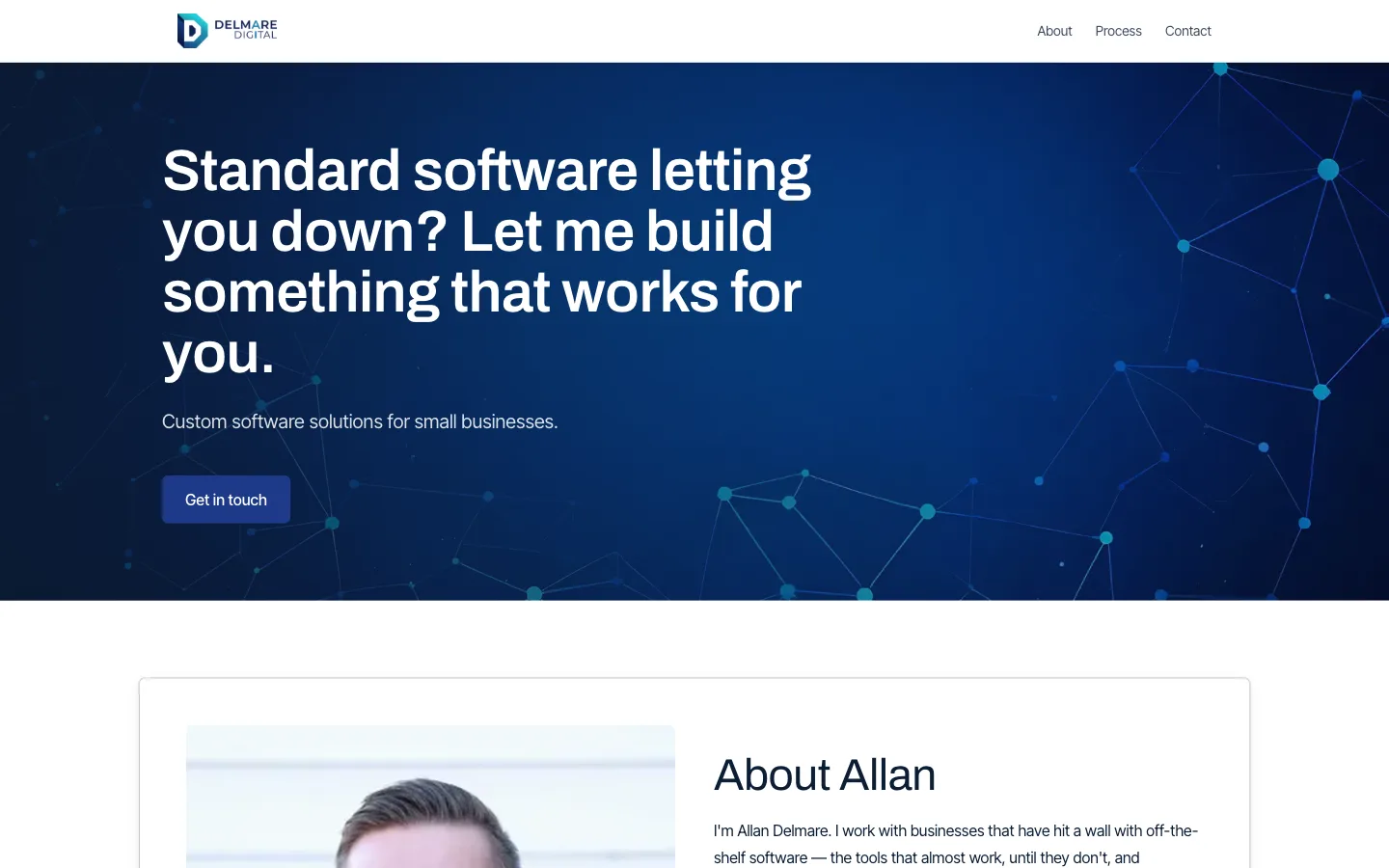
Delmare Digital
Software consultancyServices
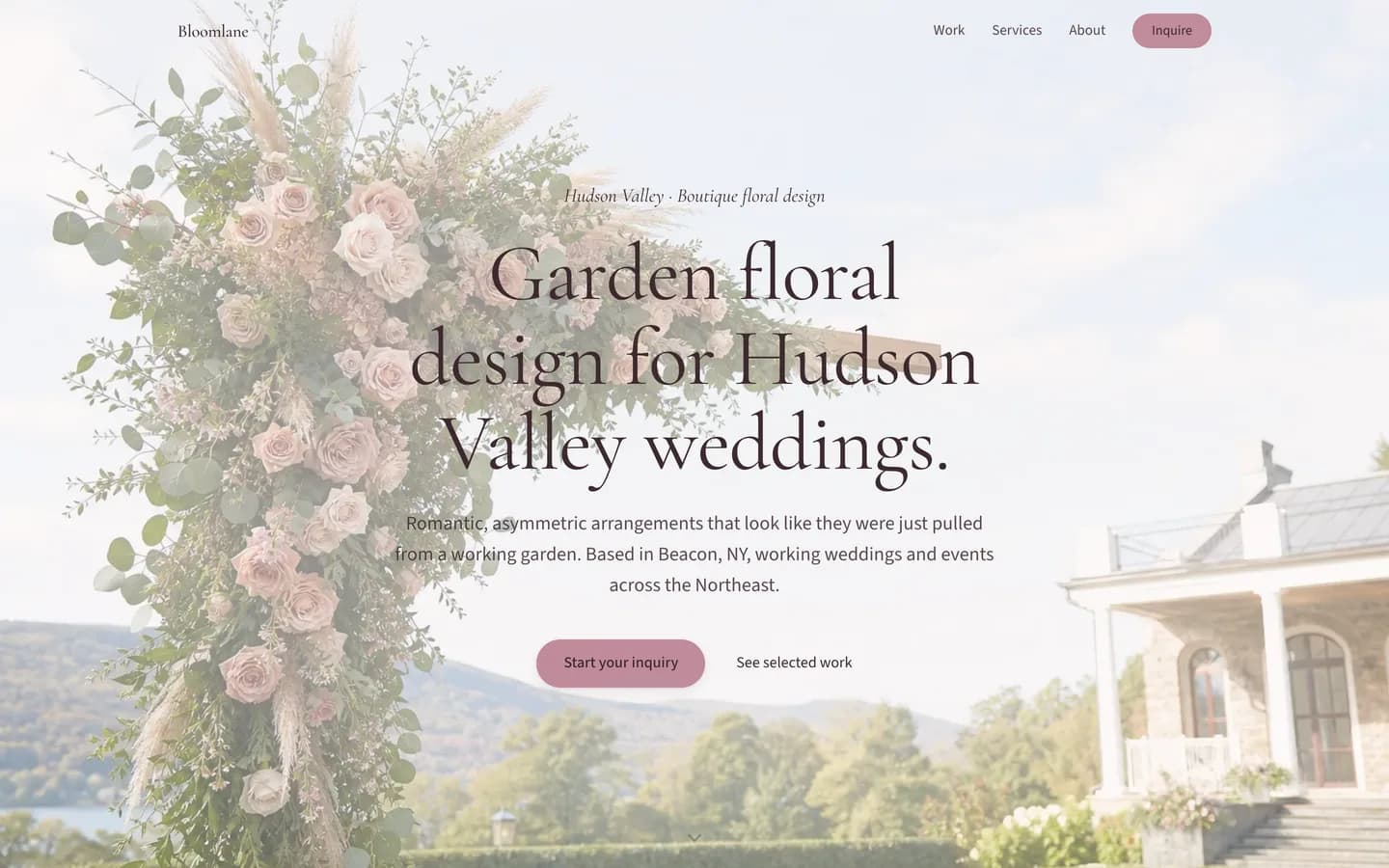
Bloomlane
FloristBoutique
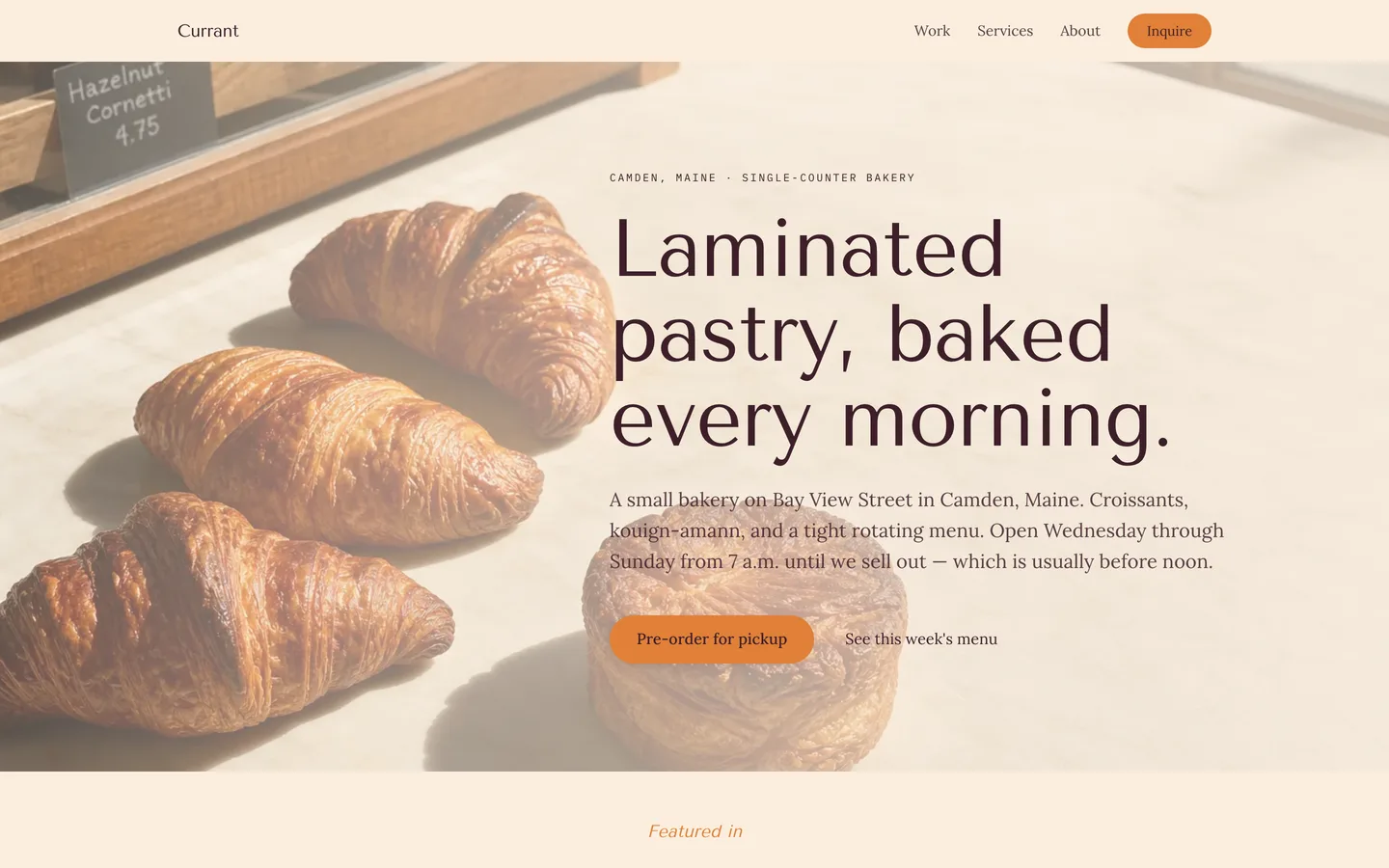
Currant
BakerBoutique
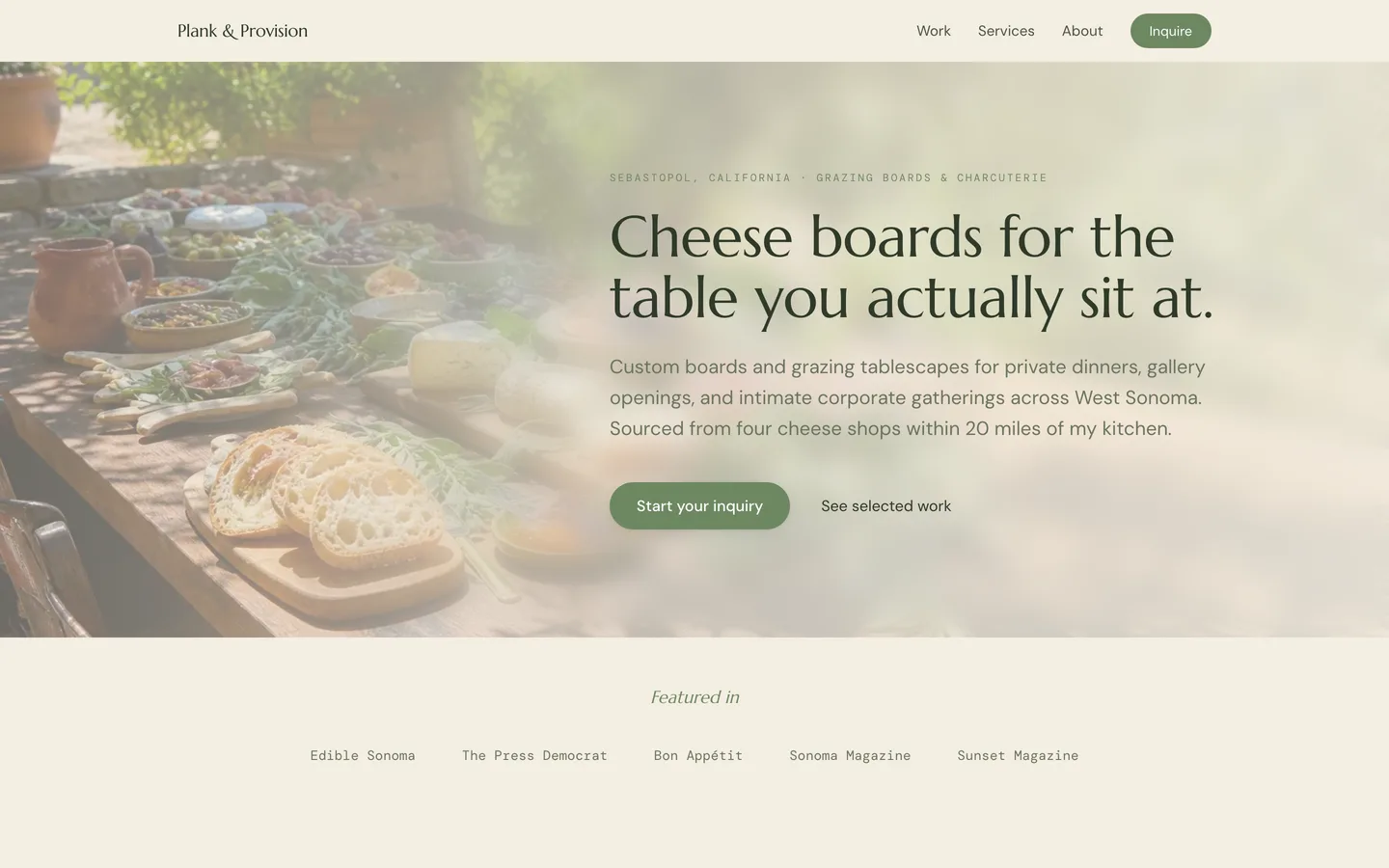
Plank & Provision
CharcuterieBoutique
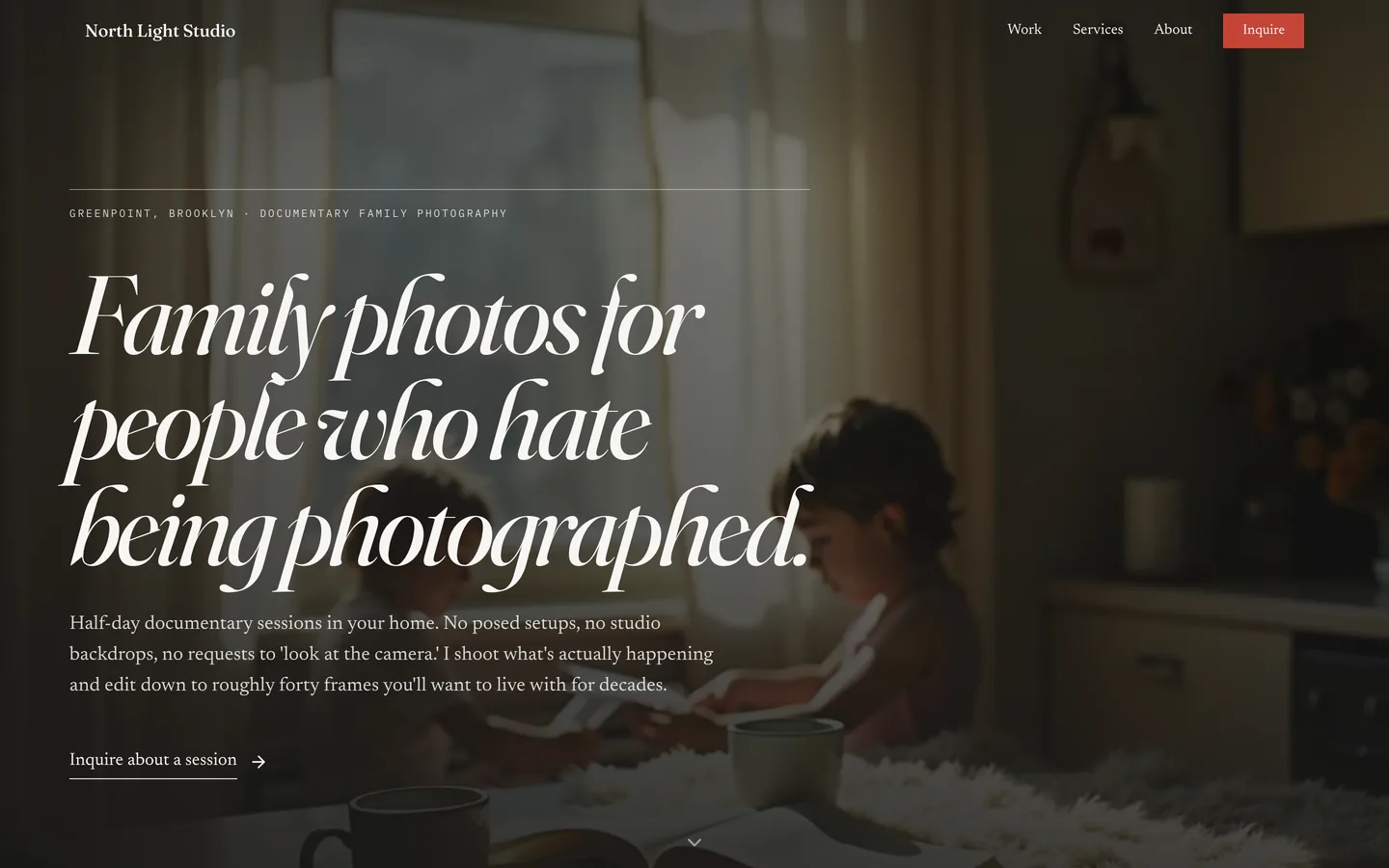
North Light Studio
PhotographerPortfolio

Float Studio
Balloon designerBoutique
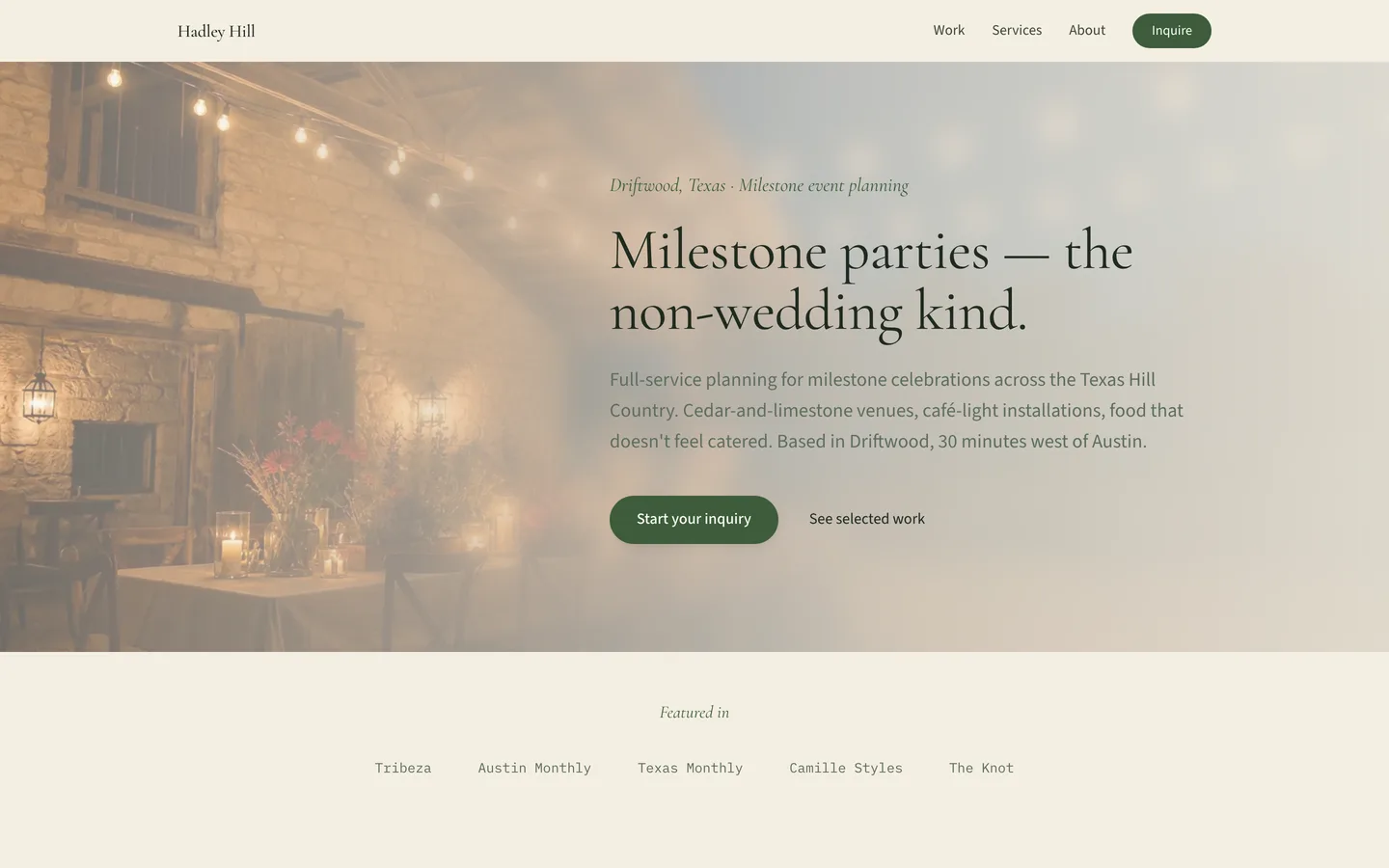
Hadley Hill
Event plannerBoutique

Field Note
Web designerPortfolio
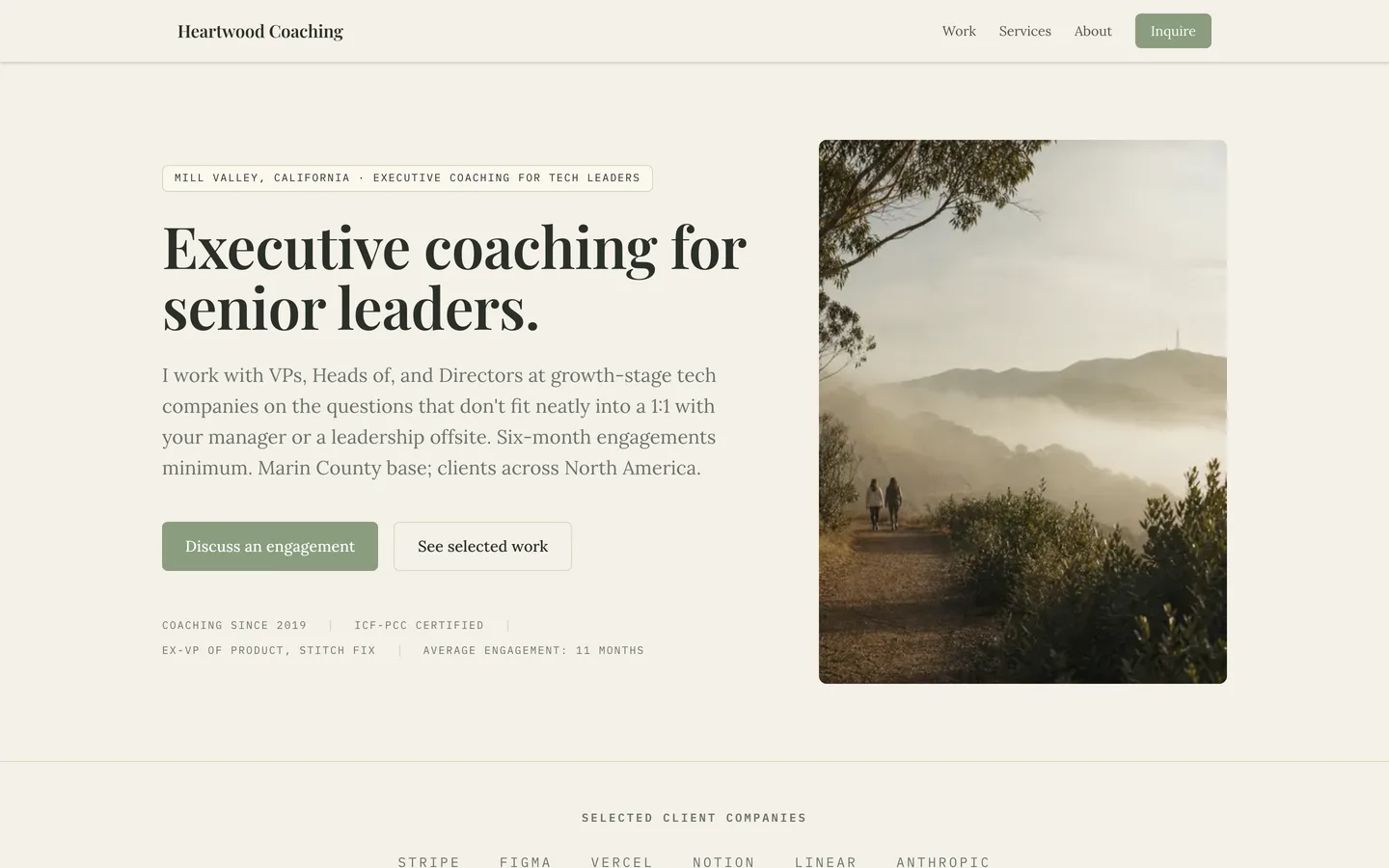
Heartwood Coaching
Executive coachServices
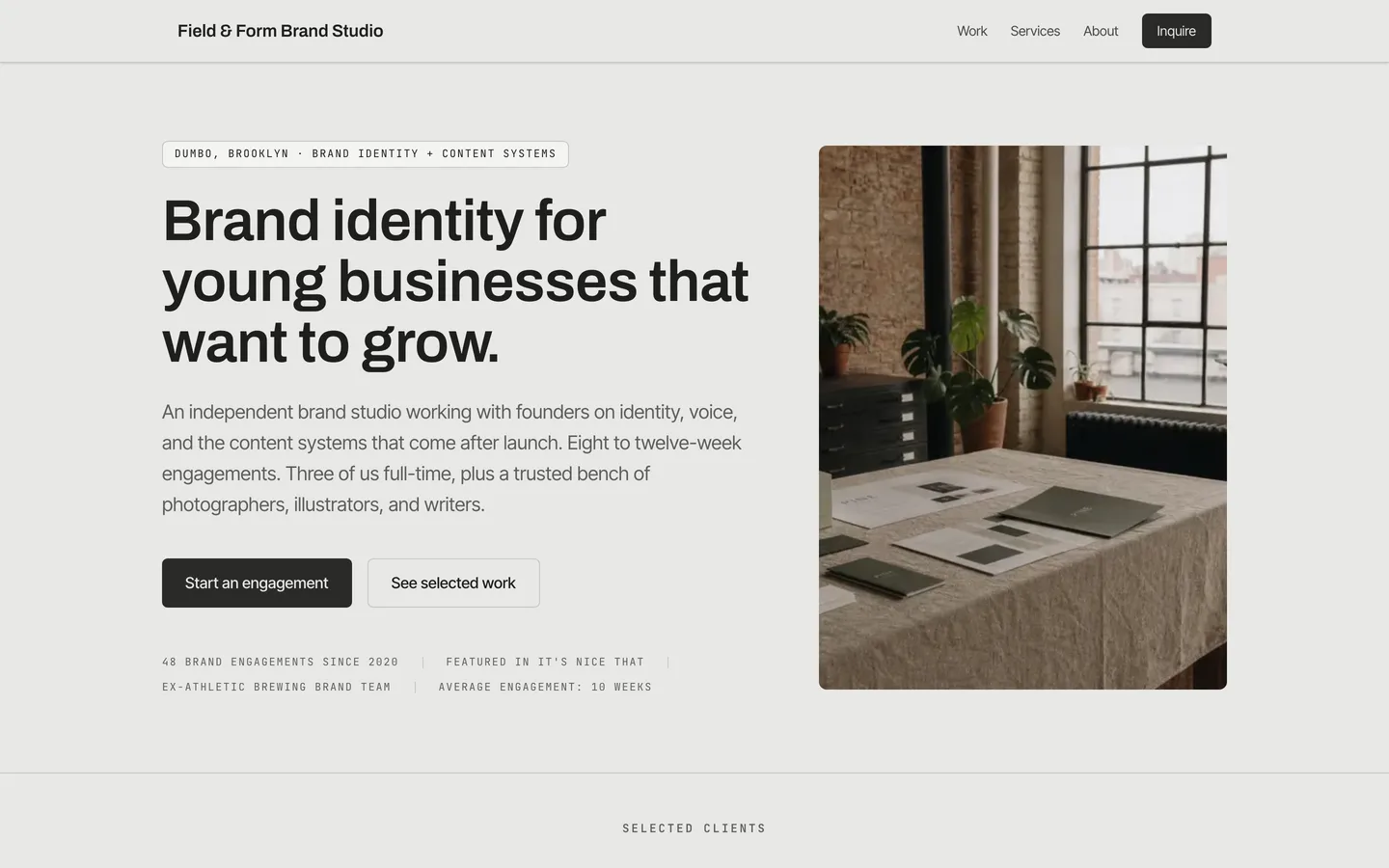
Field & Form
Brand studioServices
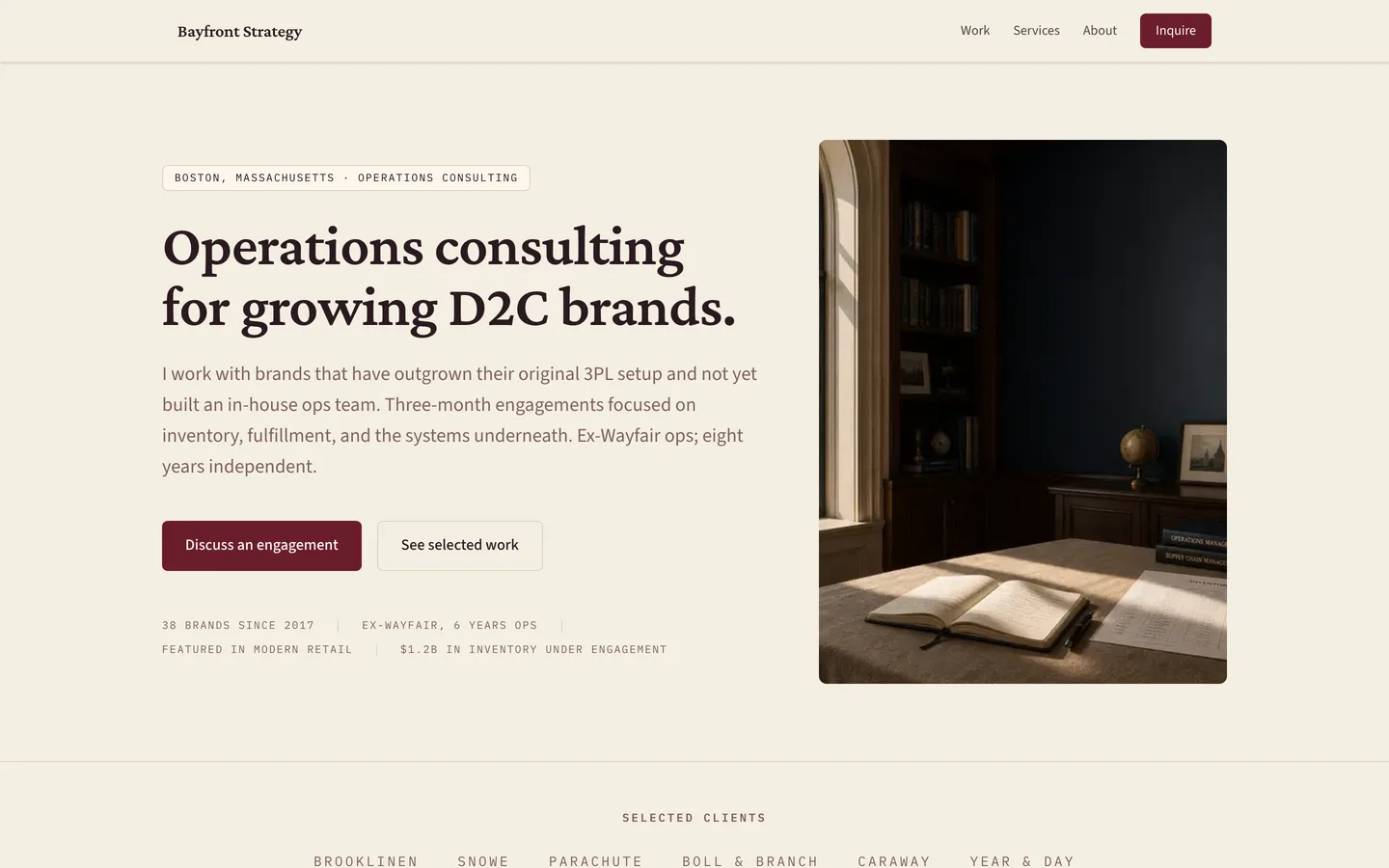
Bayfront Strategy
ConsultantServices
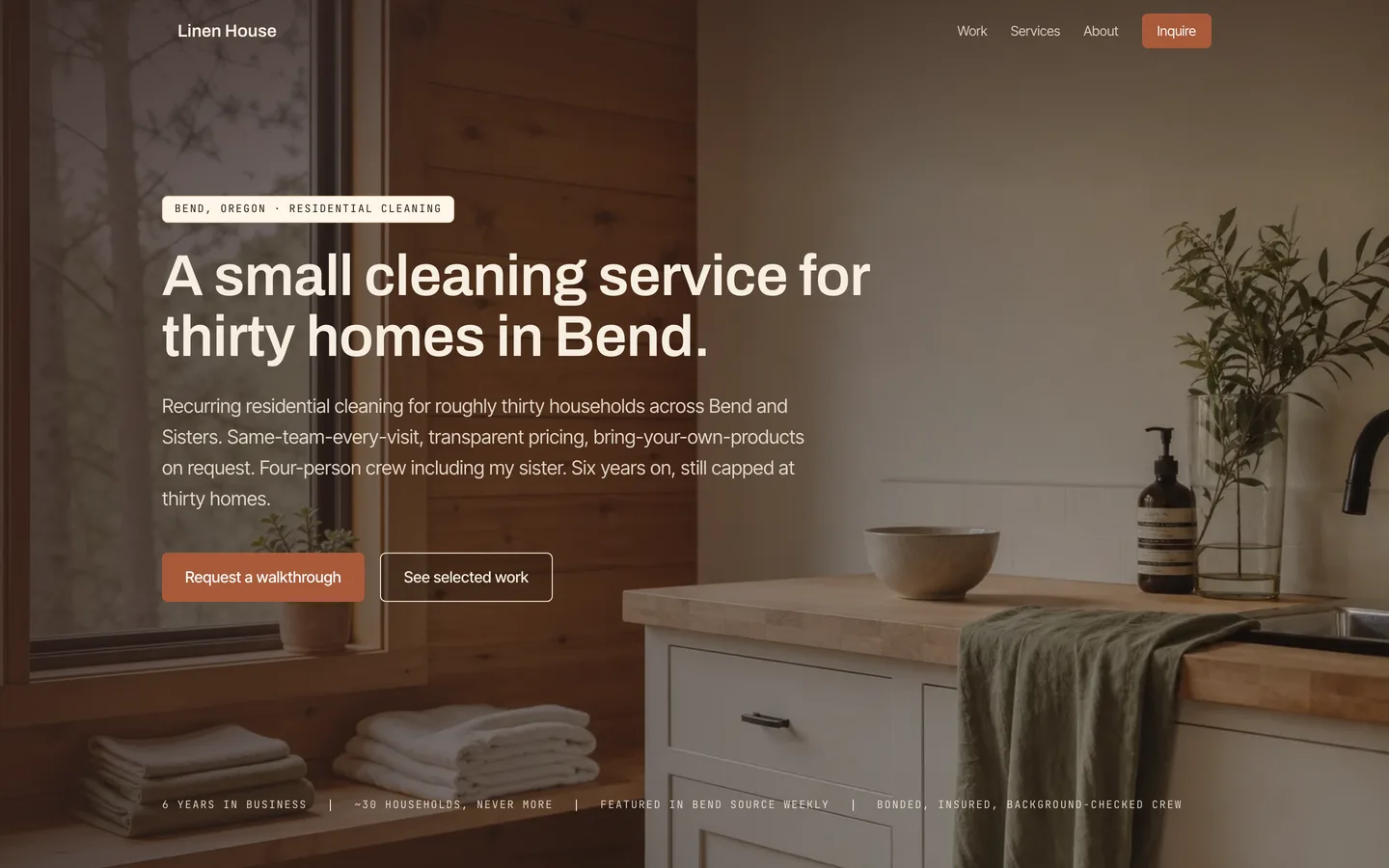
Linen House
CleanerServices
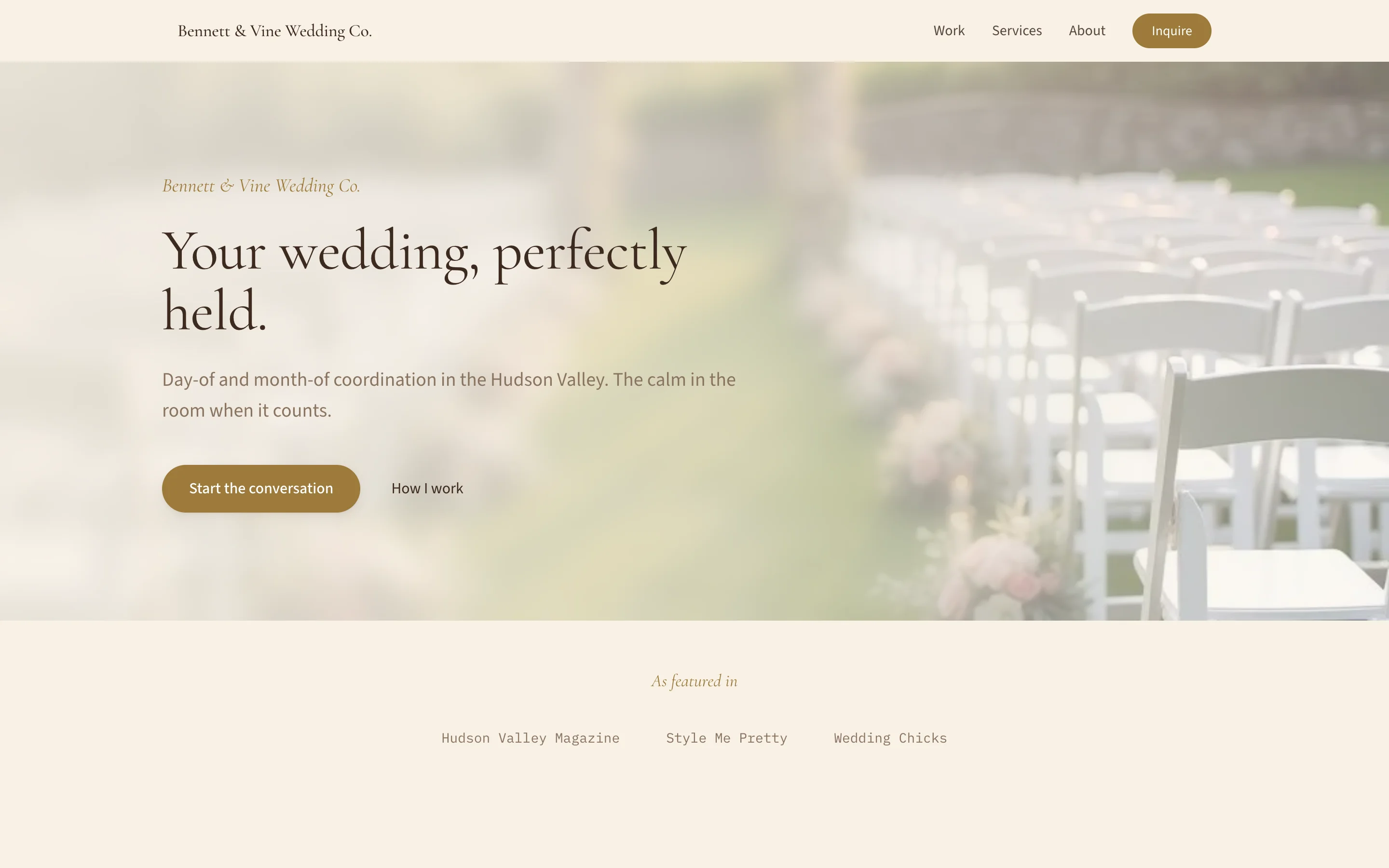
Bennett & Vine
Wedding coordinatorBoutique
You started your business to do the work you love.
Not to wrestle spreadsheets at midnight.
One thread, one timeline
From the first hello to the final receipt — one place.
Here's nine days with one client. Other apps stitch this together with email, a separate scheduler, and a folder of receipts. ClientCasa keeps it on a single thread.
Day 1
An inquiry arrives
A new lead lands on your pipeline with the context already attached — who, what, when, and where it came from.
MRNew leadMaya Reyes
October wedding · Foxglove Farm
“Looking for a ceremony arch and reception installs…”
via your website · tue 9:14 am
Day 1
You send one link
A tailored intake form goes out. She answers from her phone — no account, no login, no PDF attachments.
Event dateOctober 14Guest count120Style notesWarm, sculptural, no rosesfilled out from one link · no login
Day 2
The proposal drafts itself
One click turns her answers and your past pricing into a proposal you tweak instead of write.
Fall wedding proposal
Drafted for youCeremony arch$1,400Reception installs$1,850Delivery & strike$600Total$3,850from her answers + your past pricing
Day 3
She signs once
Proposal and contract travel together, so one signature books the job and locks the terms.
Agreement signed
Maya Reyes · thu 4:02 pm
proposal + terms · one signature
Day 3
The deposit lands
The deposit invoice fires automatically the moment she signs. Card or bank transfer, paid on the spot.
Deposit invoice
Paid$1,200.00
card · straight to your stripe account
Day 9
Every reply comes home
Her replies route back into the same client timeline — the whole relationship stays on one thread.
MRThis all looks perfect. Could we add a second arch by the bar?
landed on the same timeline — not in a lost inbox
Nothing falls through the cracks
A proposal becomes a project. Time turns into an invoice. Payments land in your account. You never re-enter the same number twice.
See how invoicing works
Tax-ready, not tax software
Expenses auto-categorize to Schedule C lines. Stripe processing fees are captured as real expenses so your reports match your bank account down to the cent. Track mileage. Calculate quarterly estimates. Come tax time, export everything your accountant needs in one click.
Tour the Tax Center
Click it. Ask it. Both work.
Every workflow has two ways in: a clean UI to click through, and an assistant to ask. Draft a proposal, scan a receipt, look up profit on a project — same data, same result. Use whichever is most natural for you.
Meet your AI assistant
It runs while you work
Client inquiries flow into your pipeline automatically. Slack pings when invoices get paid. Set up recurring billing once — it handles the rest. Connect Zapier, n8n, or Make for anything else.
See integrations and automations
Set the ceremony time. The whole day reflows.
A minute-by-minute event-day timeline on a cascade engine — not a spreadsheet. Move one moment and every call time, buffer, and golden-hour window recalculates. No other tool for solo operators does this.
An event-day timeline on a cascade engine. Moving the ceremony 30 minutes later reflows the whole day — getting ready, first look, cocktail hour, and reception all slide with the chain — while portraits stay anchored inside the fixed golden-hour window from 5:00 to 6:15 PM.
$19/mo replaces a stack of single-purpose tools that typically runs about $187/mo together — pricing verified directly from each vendor’s site.
That’s about $2,016/year you stop paying out across ten subscriptions.
Built for the way you actually work
Twelve industries, each with its own page, demo account, and workflows. Your language, your data.
Photographers
More time behind the camera.
Bakers
Bake with confidence. The numbers finally make sense.
Florists
Focus on the flowers. The business side just got easier.
Wedding Coordinators
Run the day. The back-office runs itself.

Creative Agencies
Run your team. Know which clients are worth it.
Developers
Code. Bill. Get paid. That’s it.
Charcuterie, Balloon Designers, Consultants, Coaches, Cleaners, Event Planners, and more. See all industries →
Simple, honest pricing
Three plans. Pick what fits how you run your business. 14-day free trial. No per-invoice fees, no fees on client payments.
FrontCasa
Website + Clients — your site and your client pipeline, working as one.
$228 billed annually
Start 14-day free trial- Public website with your branding
- Blog with SEO
- Booking form on your site
- Shareable booking page
- Client inbox + timeline
BackCasa
Clients + Books — your client pipeline plus invoicing, payments, and tax-ready books.
$228 billed annually
Start 14-day free trial- Proposals with e-signature
- Written agreements (terms + contracts)
- Invoices + Stripe payments
- Expenses, mileage, time tracking
- Recipes / BOM costing
WholeCasa
All three pillars — Website + Clients + Books — wired together in one place.
$408 billed annually
All plans include a 14-day free trial.